Created for homeschoolers & worldschoolers. Great for all learners, K–12
Learning that goes beyond the worksheet.
Your child's day, lessons and progress in one calm place. Ily keeps the day on track, turns a K–12 learning map into real-world missions and quizzes, and adapts as your learner grows. You choose what's switched on.
- You approve every mission
- Parent PIN
- No ads or trackers
The ilyKIN Learning Map
A personal guide with a map behind it
Ily is your child's personal learning guide, built on the ilyKIN Learning Map: 868 fact-checked topics from Kindergarten to Grade 12, each with its key ideas and the mix-ups children often make. As you mark progress and your child practises, Ily keeps track of what's mastered and what's ready next, then builds lessons and real-world missions you approve, and quizzes in seconds. Ahead in maths, catching up in reading? Ily moves at your child's pace in each subject.
- topics on the map
- 868
- Kindergarten to Grade 12
- K–12
- subject areas
- 6
Knows what's next
Each topic lists what it builds on, so Ily can tell what your child is ready for, and what needs a quick refresh.
Stays accurate
Lessons, missions and quizzes built on a topic stick to its checked key ideas and gently tackle the common mix-ups.
Their pace, every subject
Maths, English, science, social studies, health, and life and social-emotional skills. Your learner can be at a different place in each.
ilyKIN supports learning at home, alongside school or homeschool. It isn't an accredited program and doesn't replace your school's, province's or state's requirements. Where the ideas come from
One app instead of five
Everything in one place
A learning dashboard, a family organizer and K–12 lessons that adapt to your learner. Tap an area to look inside.
- Homeschool
- Distributed learning
- Alongside school
- Kindergarten to Grade 12
A calm plan kids can follow on their own, and grown-ups can set up in minutes.
- My day. Today's classes and to-dos in one card, ticked off as she goes, with a week view.
- Calendar and live classes. Classes and activities with a Join button for online lessons and a countdown before they start.
- Routines. To-dos that repeat every day, on weekdays or weekly.
- Plan the week. Suggests a balanced week of to-dos for you to approve in one tap.
- Attendance log. Optional days and hours, ready to print.
Up and running in minutes
- 1
Add your learner
A nickname and a grade, nothing more. Set a PIN for the grown-up area and hand over the tablet.
- 2
Choose what you need
Start from a simple planner, a practice buddy or the full homeschool dashboard, and change it any time.
- 3
Ily keeps things moving
A clear plan each day, missions and lessons you approve first, and progress you can see and print.
Only what you need
Start simple, switch on more when you're ready. Try it: pick a starting point or flip a switch.
Make it yours
What do you need ilyKIN to be?
Just a schedule and a to-do list. Ily can do that.
2 of 14 on
View all features →See it in action
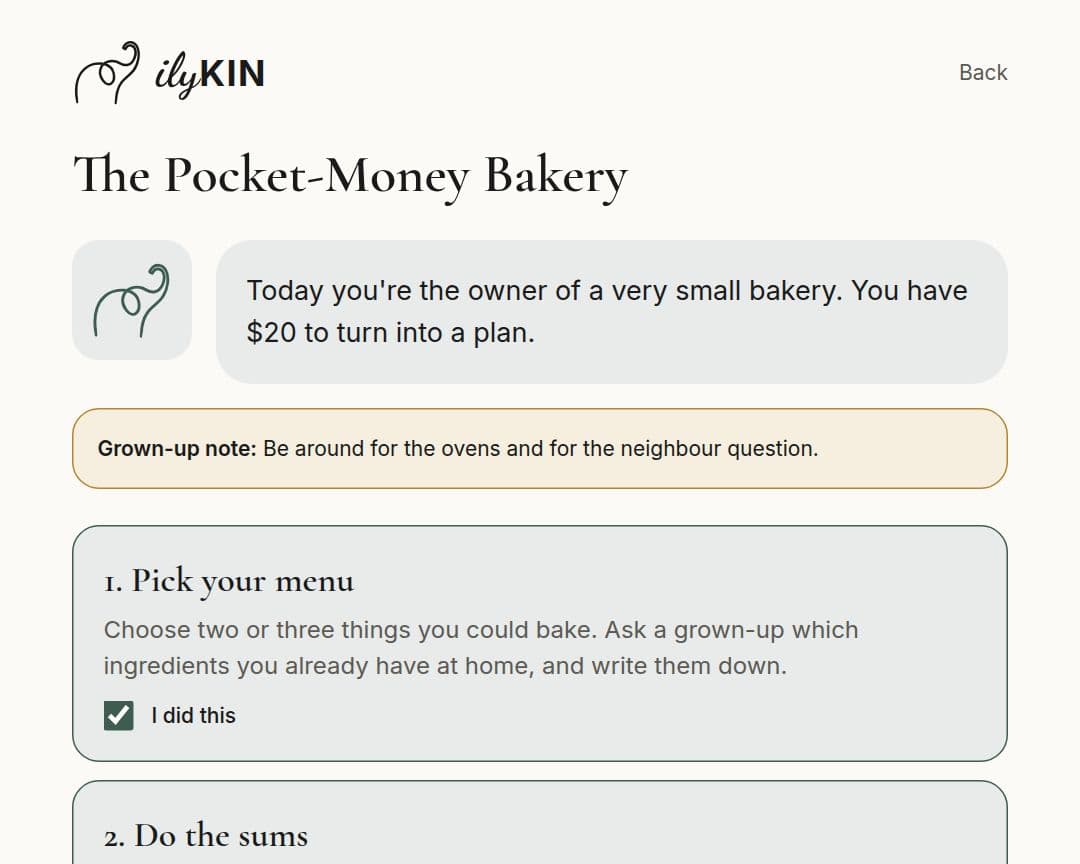
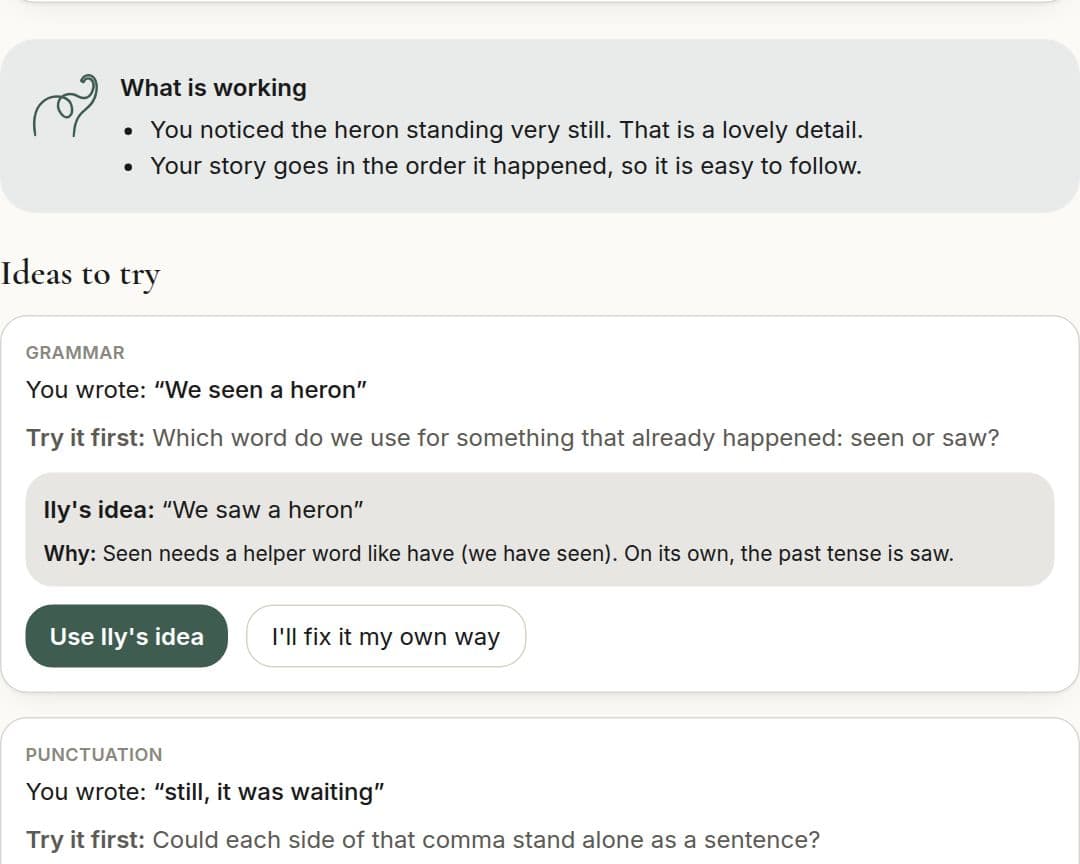
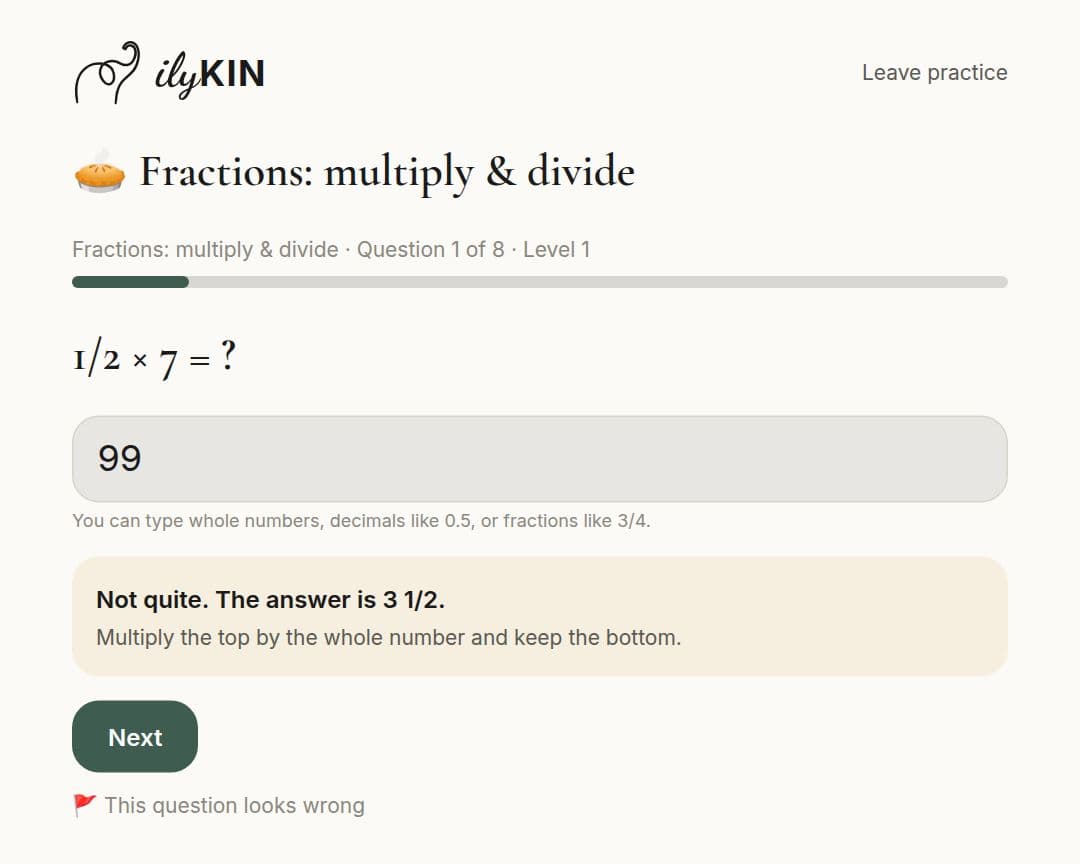
48 seconds, no sound needed: a child's day, a mission, the writing helper, practice, the rewards shop and the grown-up area.
Recorded with made-up sample data for a pretend child.
Look closer at 9 real screens
For kids
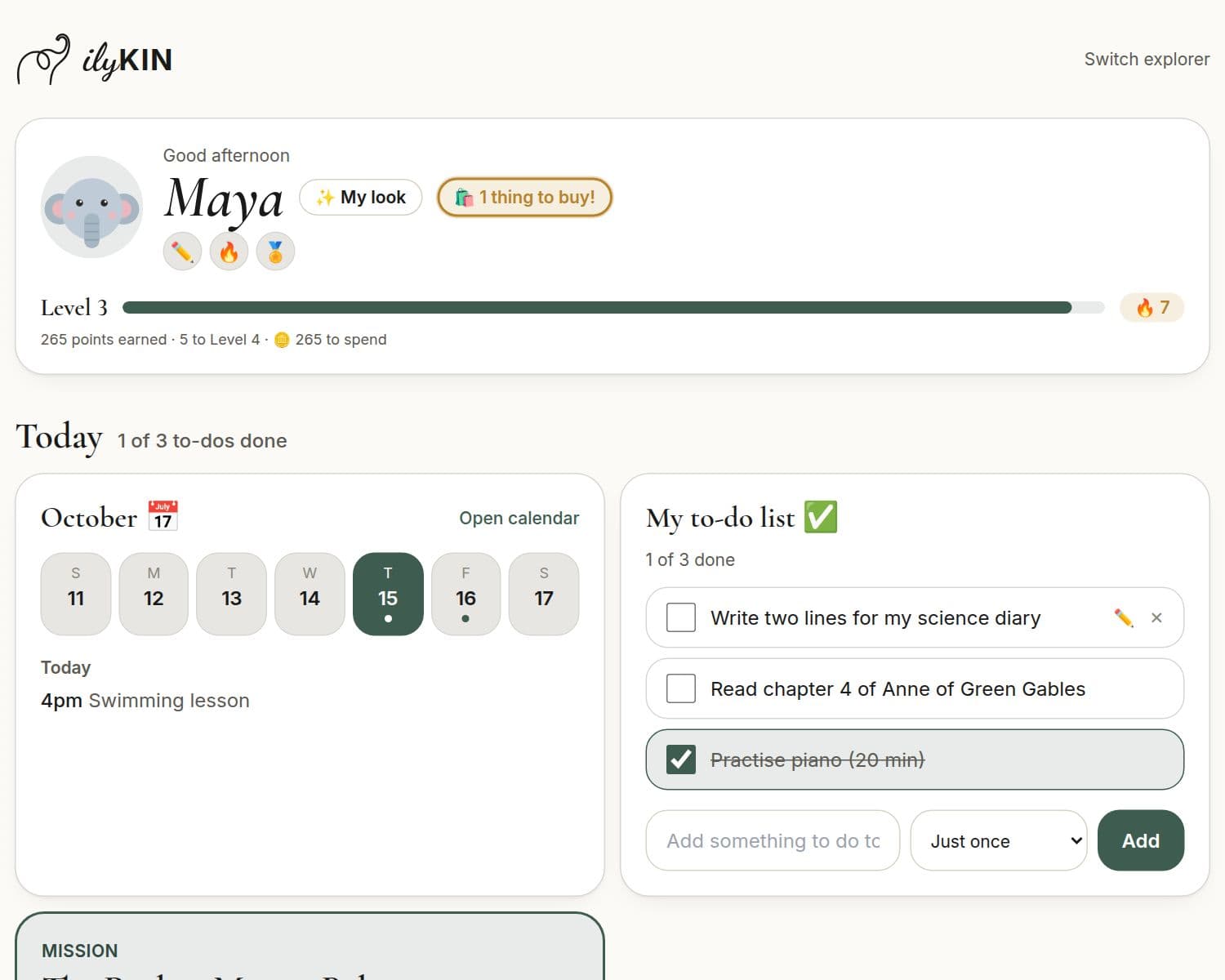
Today at a glance
The day's plan, her to-dos, a mission in progress, and a level bar that celebrates effort.
Meet Ily
Hi! I'm Ily, a curious elephant guide with a famously good memory. I'm powered by AI, which is a fancy way of saying I'm a computer program that's good at coming up with ideas and asking good questions.
I'm a guide, not a know-it-all: I ask questions, give hints and cheer on every try. A grown-up always has the final say, so you read my missions before your child ever sees them.
- Hints, not answers
- The notebook is optional
- You read every mission first
Made with care for grown-ups
This is children's information, so we treat it carefully.
You approve it first
Ily writes missions and guided lessons as drafts. Nothing reaches your child until you've read it and given it to them.
A PIN guards the grown-up area
The family tablet stays kid-friendly. Everything in the grown-up area, from settings to reports, needs your PIN.
Private by design
A nickname and a grade, not a full name and birthday. Photos live in private storage. Download or delete everything, any time.
No ads, no trackers
Nothing on your child's pages tracks or sells their attention.
Ily looks out for kids
If something a child writes sounds worrying, it isn't sent on for an AI reply. Ily gently points to a grown-up and you're told.
Paperwork made lighter
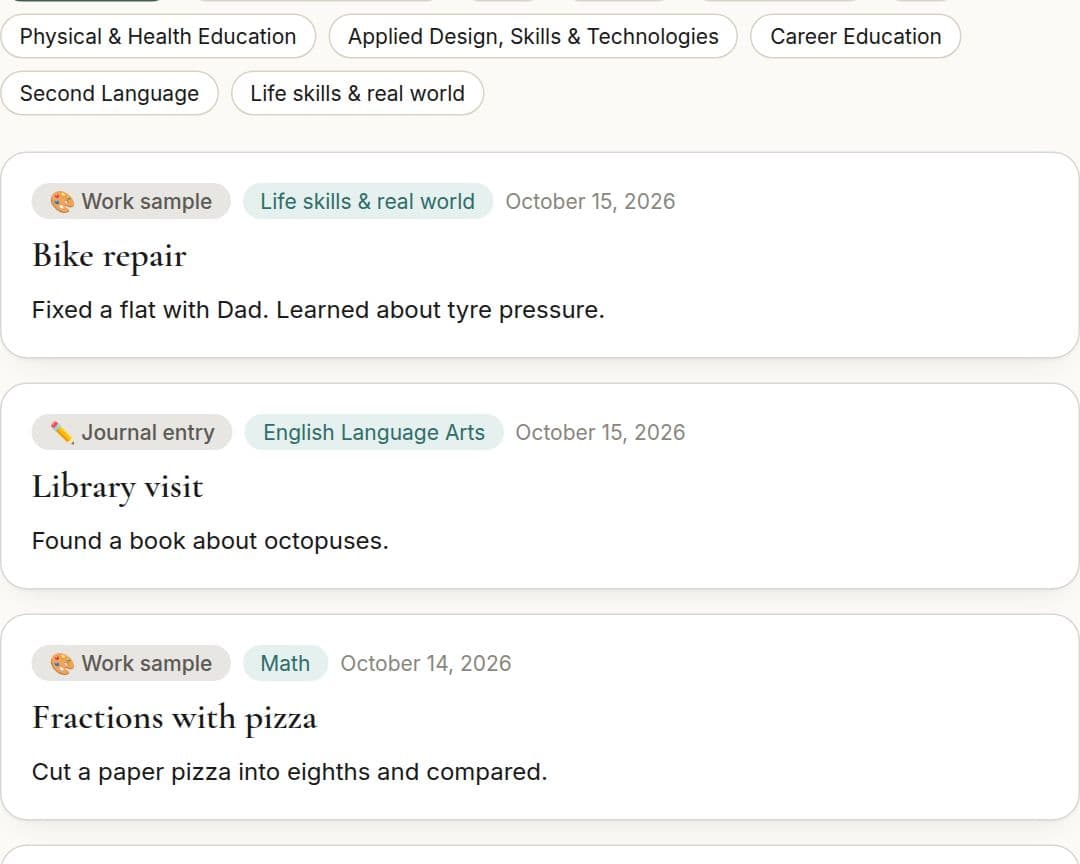
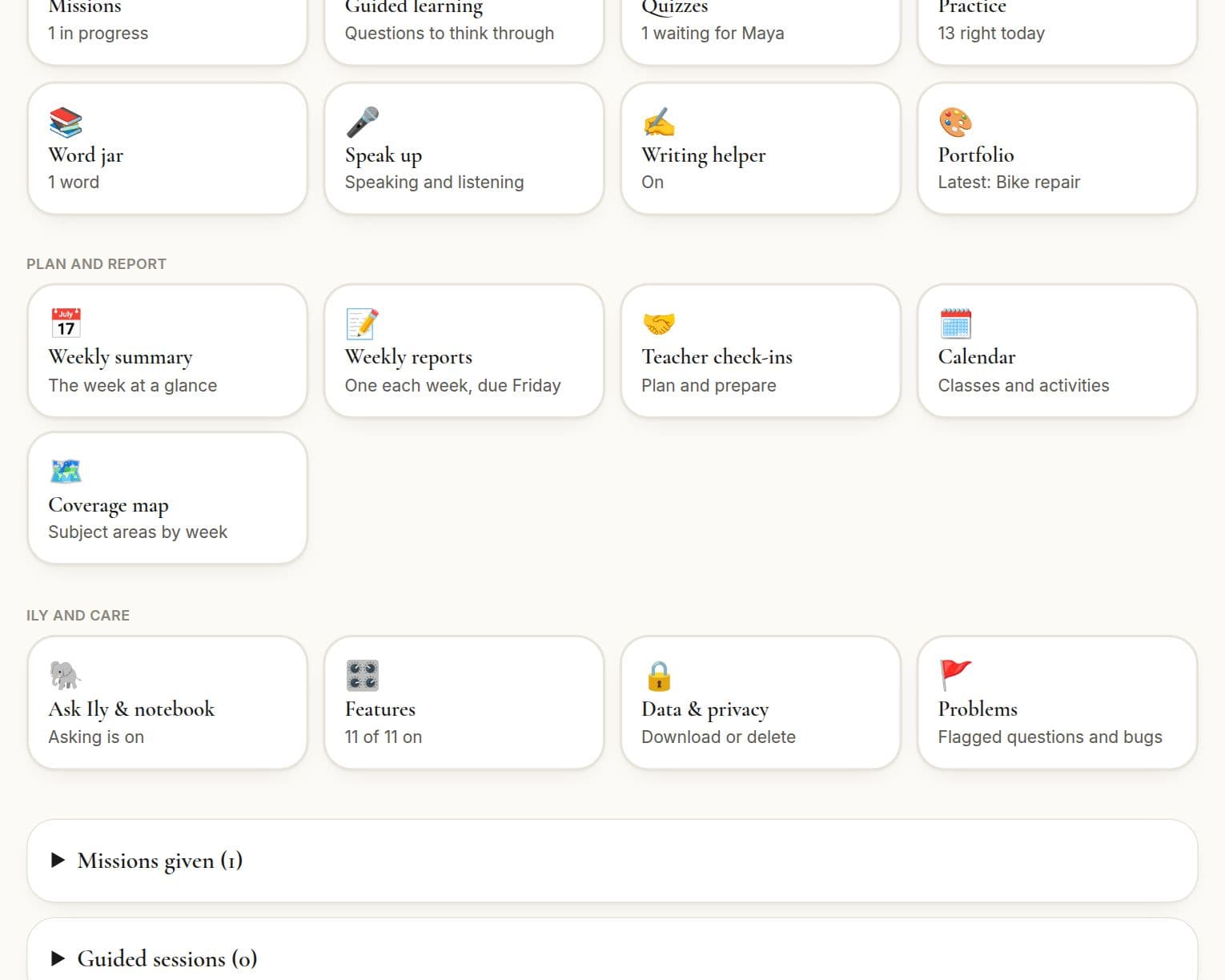
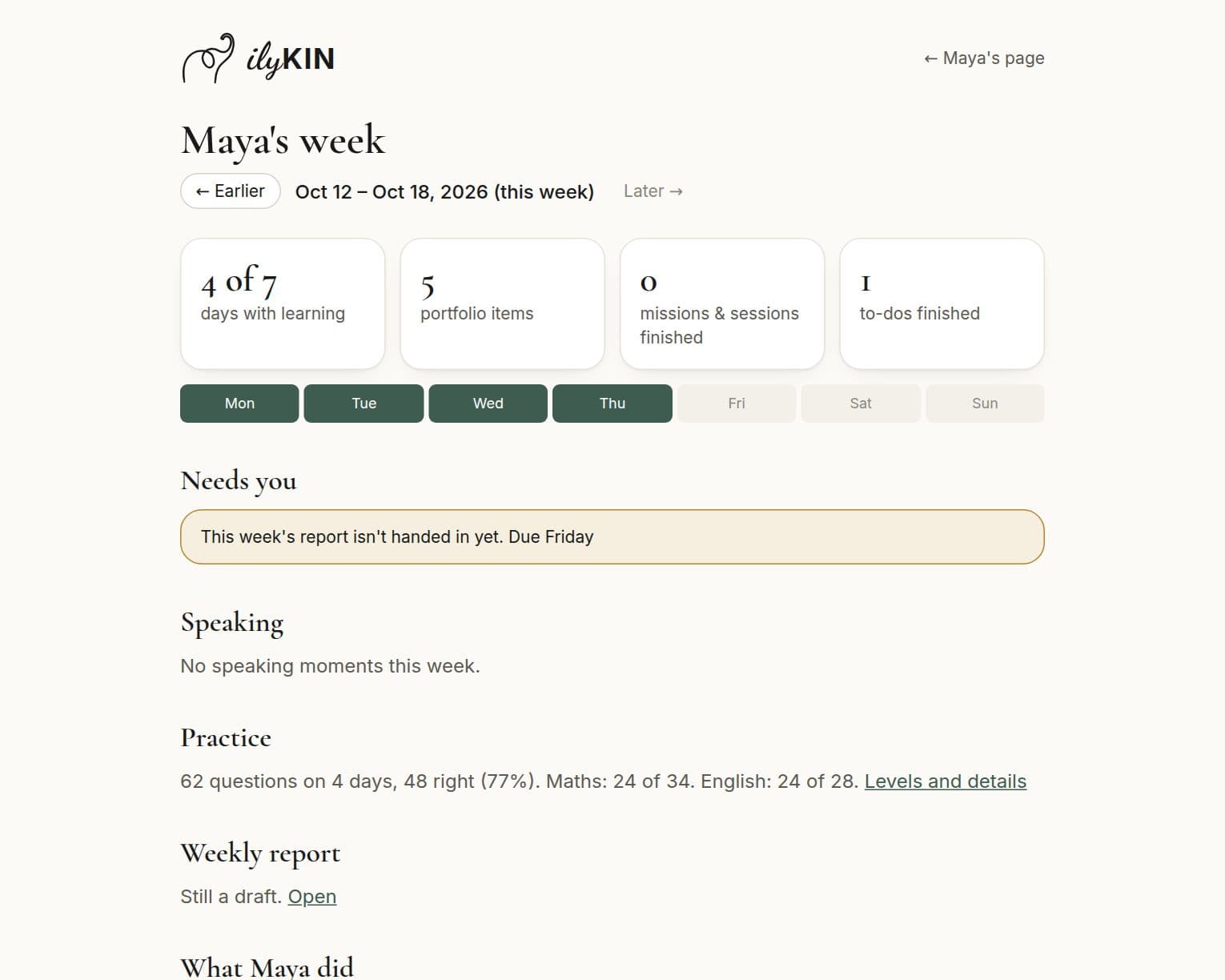
A weekly report, a coverage map across subject areas, prep sheets for teacher check-ins and an optional attendance and hours log, all printable.
Everything you control
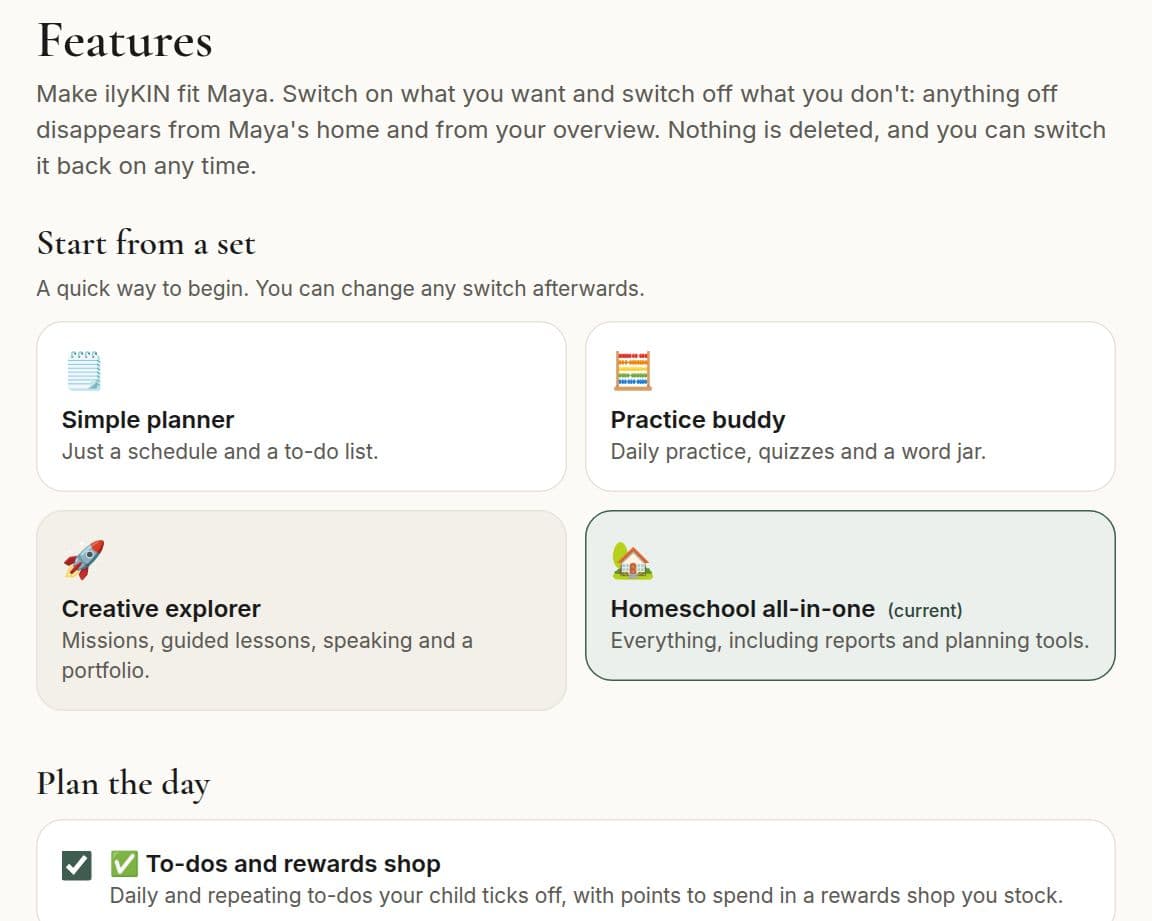
- Switch features on or off for each child, or start from a ready-made set
- Choose the subjects, soft skill, length and a personal note for every mission
- Turn Ask Ily and the writing helper on, one child at a time, with daily limits
- Switch Ily's notebook on to personalise, and read or delete every note
- Add links to videos and books you've checked yourself
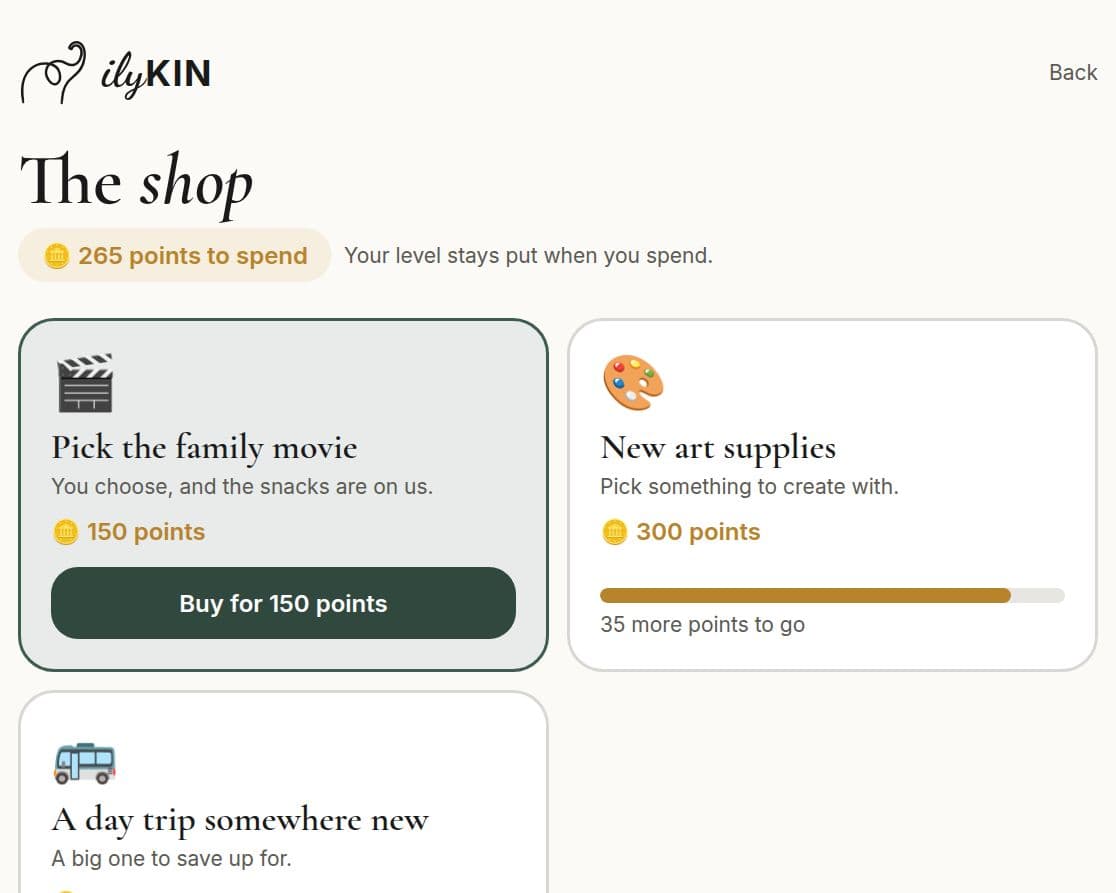
- Stock a rewards shop, set repeating to-dos and keep a calendar
- Invite another grown-up, and lock the area with your PIN
- Download everything about a child, or delete it, any time
Read our Privacy Policy and Terms of Use.
Why we built ilyKIN
“We were juggling a planner, worksheets, a folder of work and a weekly report for our daughter's teacher. So we built one calm place for all of it, with a friendly guide to keep her curious.”
Good questions
Is ilyKIN safe for my child?
Your child never has their own account or an open chat. A grown-up reviews missions and lessons before a child sees them, the grown-up area needs your PIN, and there are no ads or trackers on your child's pages. Read the details in our Privacy Policy.
What does Ily see about my child?
When you ask for a mission, quiz or lesson, Ily sees your child's grade and what you chose, such as subjects and a topic. If you switch on Ask Ily or the writing helper, she also sees the short question or writing your child types. Never names or photos. Our Privacy Policy explains how the AI service behind Ily is used.
Can I turn features off?
Yes. Everything starts on, and you switch features on or off for each child in the grown-up area, or start from a set such as Simple planner. Nothing is deleted when you turn something off.
What grades is it for?
Kindergarten to Grade 12. Missions, quizzes and guided lessons are written for your learner, and the Learning Map lets them be at a different place in each subject, so Ily meets them where they are, not just where their grade says. Practice follows the topics on their own path in every subject and gets easier or harder as they answer, with quick maths and English drills alongside.
Does my child need a login or an email address?
No. Children use the family tablet or computer, and a grown-up signs in. Child accounts don't exist.
Does it replace a traditional curriculum?
It can be the backbone for the core subjects. The ilyKIN Learning Map covers maths, English, science, social studies, health and life skills from Kindergarten to Grade 12. Ily turns it into lessons, quizzes and real-world missions, alongside maths and English practice, and the weekly reports, portfolio and attendance log help you show the learning. It's a tool for parent-led learning: you stay the teacher and decide what counts. Arts, physical education and languages aren't on the map yet, so plan those separately, and check what your province or state requires.
Is ilyKIN accredited?
No. ilyKIN is a learning platform, not a school, so it doesn't issue grades, transcripts, credits or diplomas. You direct your child's learning and stay in charge of your local requirements, and ilyKIN makes the paperwork lighter: printable weekly summaries and reports, an optional attendance and hours log that can fill in from saved activity, and a portfolio of your child's work, ready to show a teacher or school board.
What does it cost?
ilyKIN is free while we're in beta. We'll share pricing well before the beta ends, so there are no surprises.
Free while we're in beta
Be the first to know
ilyKIN is opening soon. Leave your email and we'll let you know. We'll share pricing well before the beta ends, so there are no surprises.
For parents and guardians — please don't enter a child's email. We'll only use it for this one announcement, and never share it.
Know a family who'd love Ily?
Pass it on.